Mynd makes adding clients easy! From the clients page or from the create appointment, clients can be easily invited to join your practice. If you are coming from another platform with a CSV client list, we can securely upload it to streamline importing clients!
Clients can also be sent custom forms and consents alongside their invitation to be filled out as soon as they sign up. Check out our article for sending custom consents and forms to learn more about that workflow.
Clients who have lost the initial invite email can also be sent another right from their client profile.
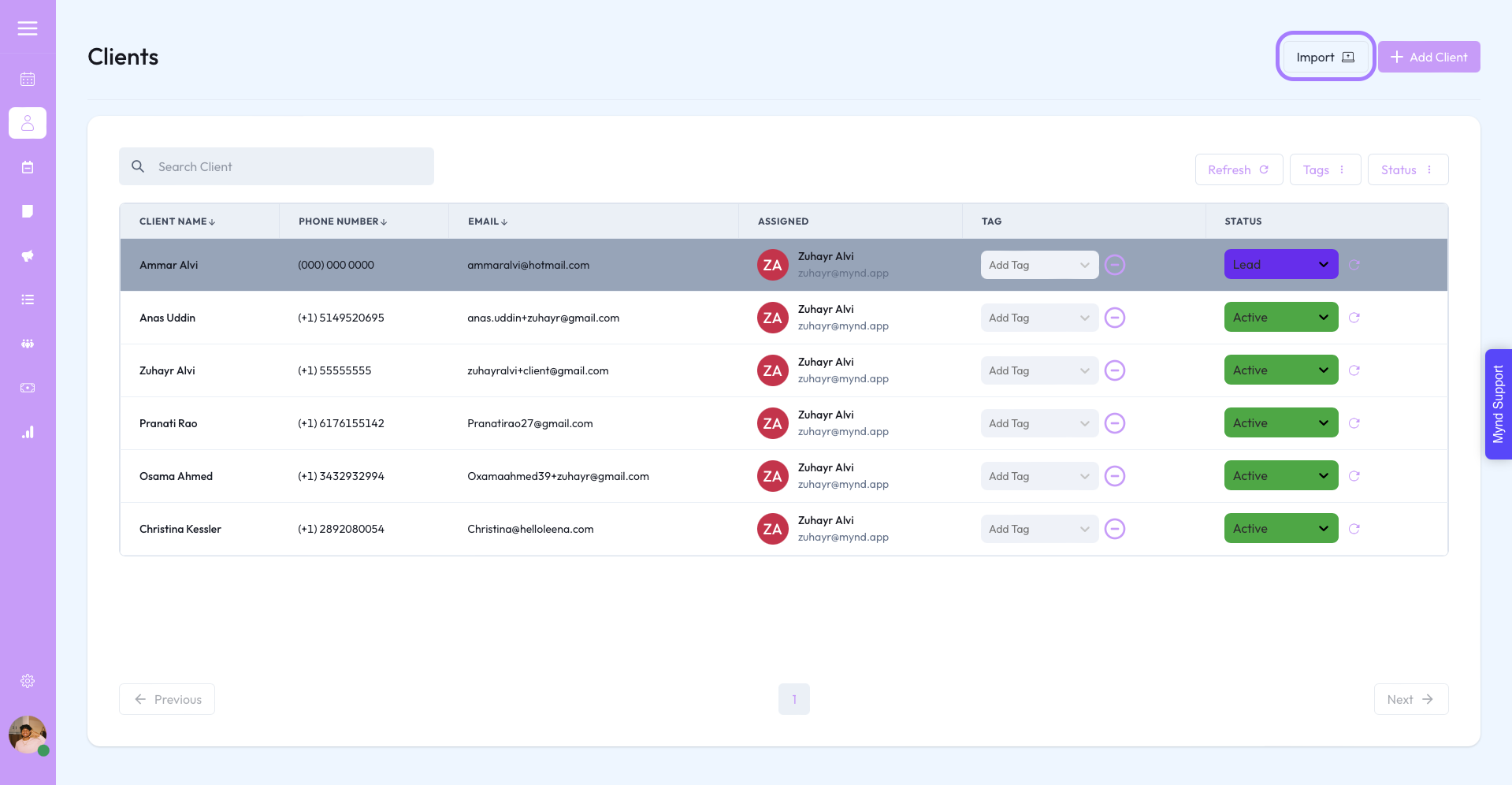
Currently, only CSV files are accepted through secure upload. If you have a client list in another file type, please contact Mynd Support and we will update it for you!
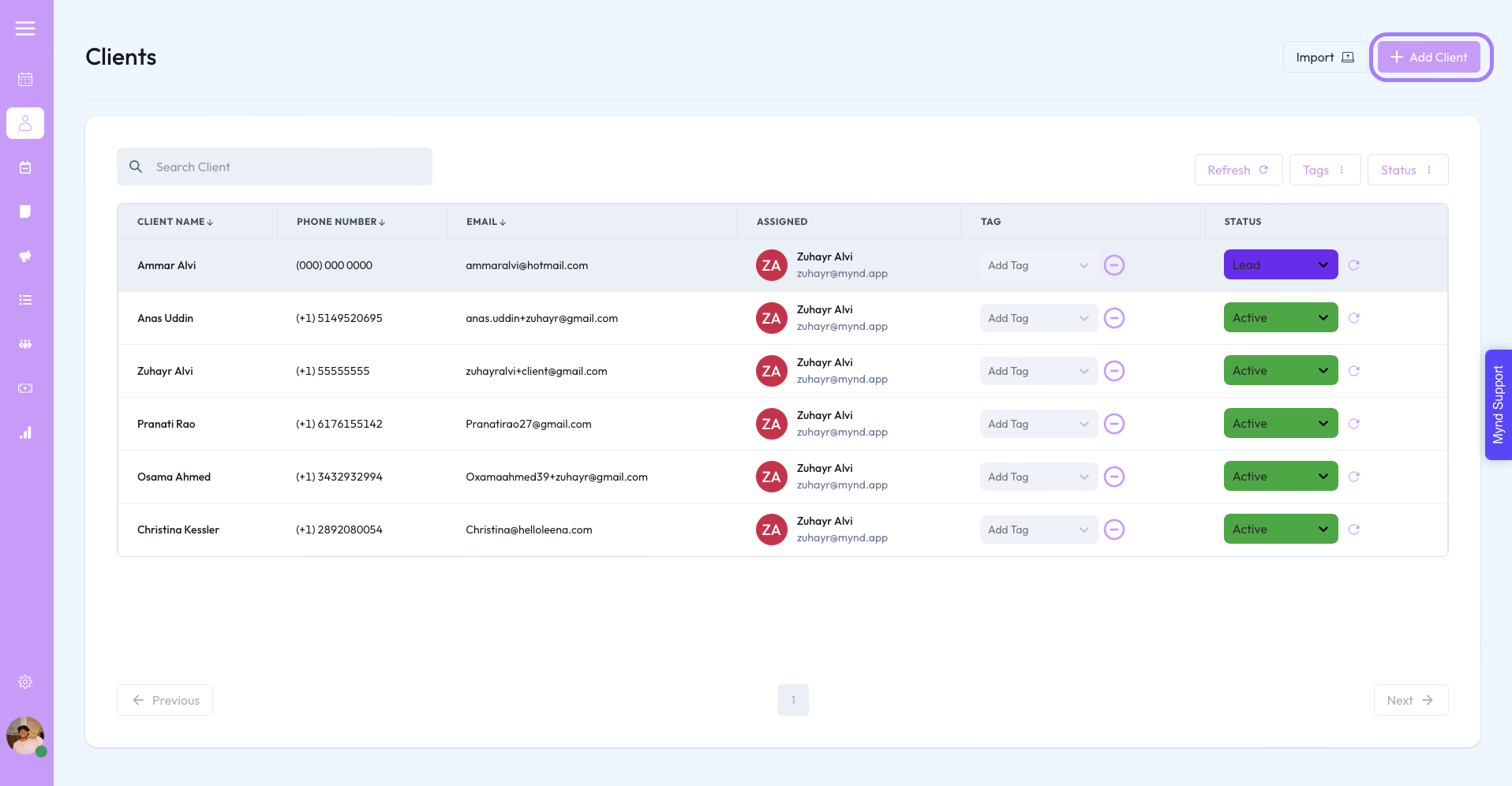
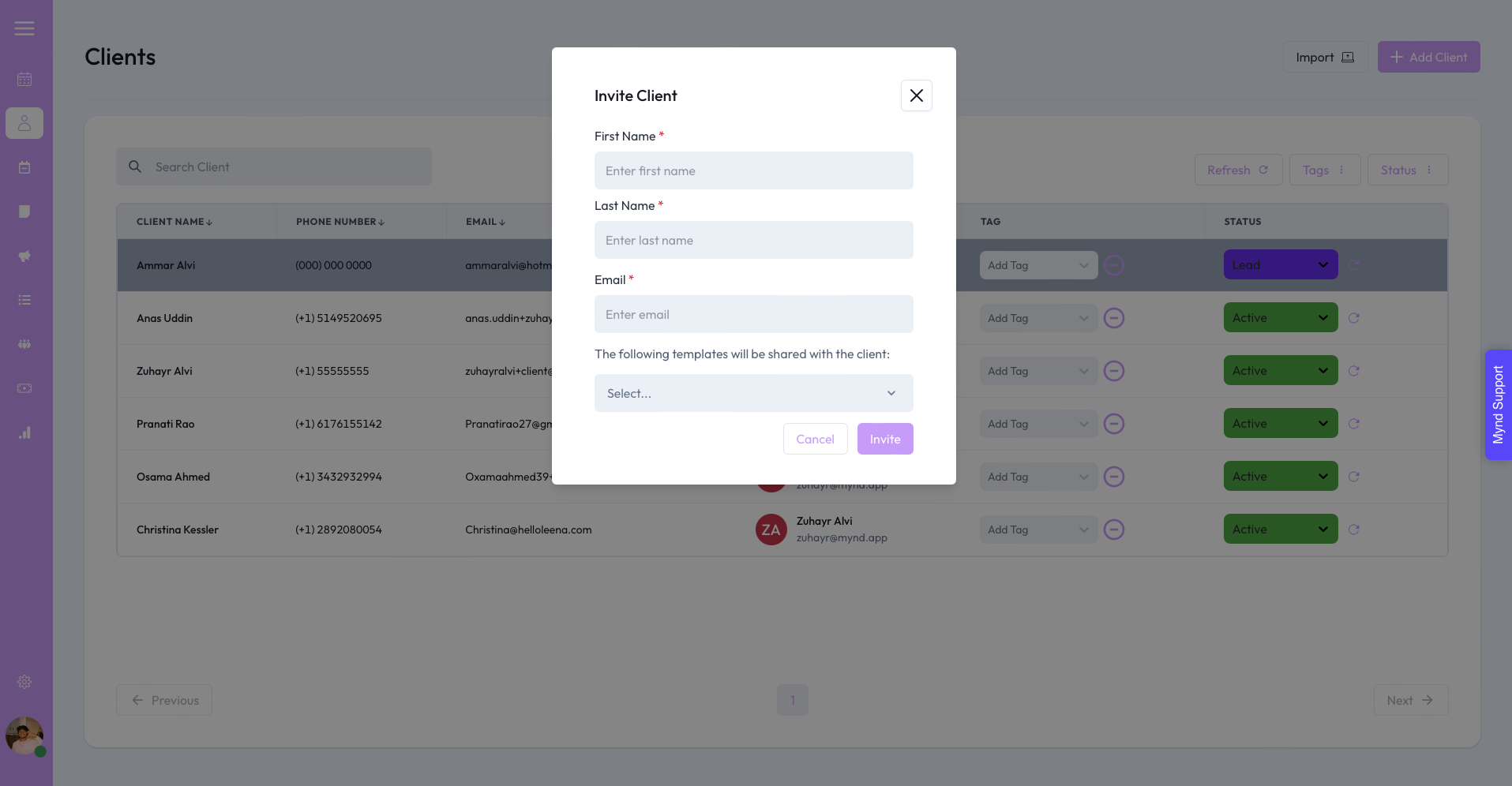
All that is needed is the client's name and email, we'll take care of the rest :)
If you have templates that you tagged as able to send with invite then they will appear through the drop down.
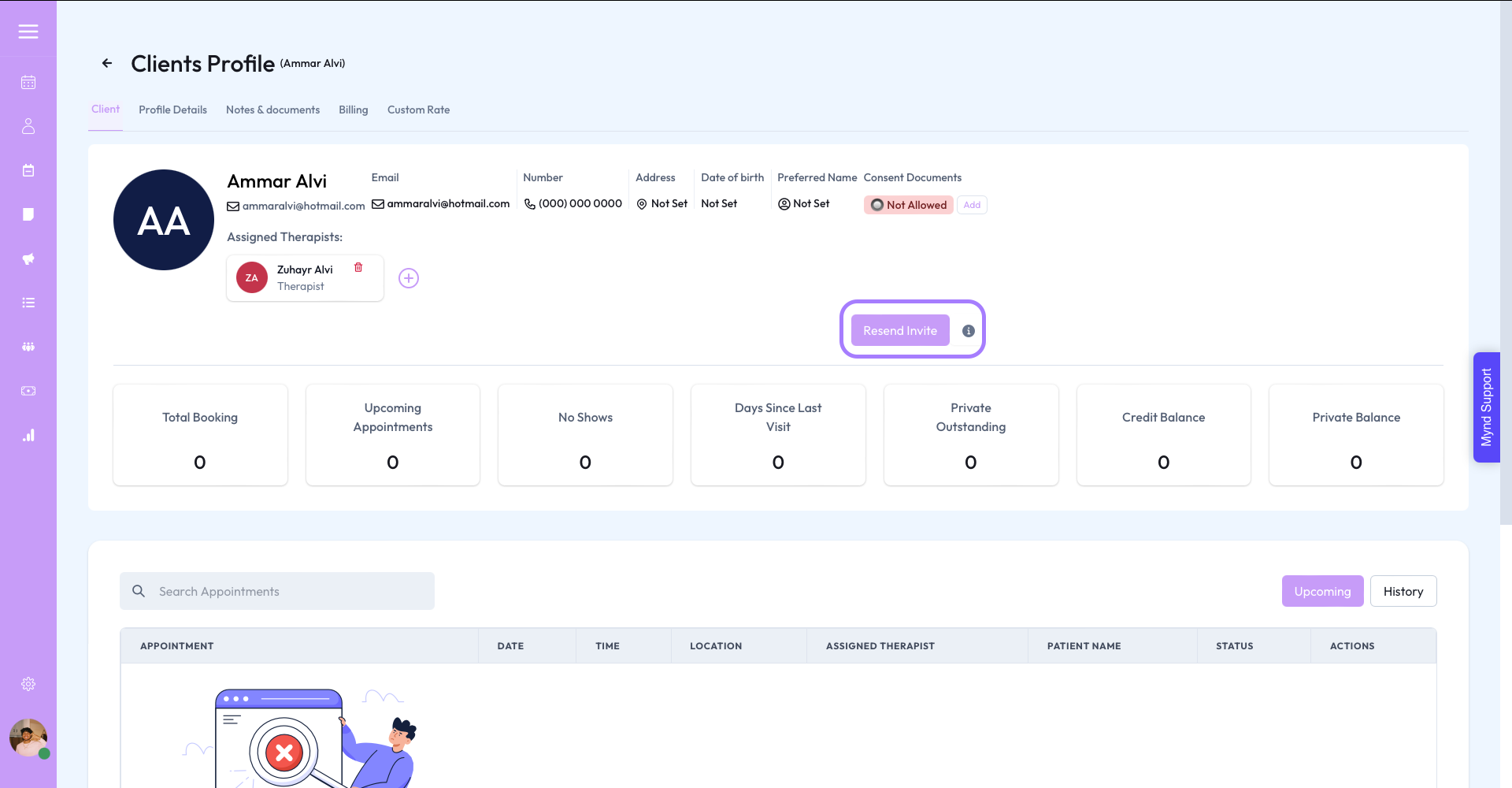
The resend invite button is on the client profile page.