Key Points:
What is Notetaker?
Notetaker Overview: Notetaker is a tool within the Mynd platform that records and transcribes audio sessions. It generates detailed notes from the session, saving time and effort for professionals who need to document client interactions.
How It Works: When a session is conducted with Mynd Notetaker enabled, the system automatically records and transcribes the audio into text, which is then formatted according to a selected template.
Using Built-in Templates
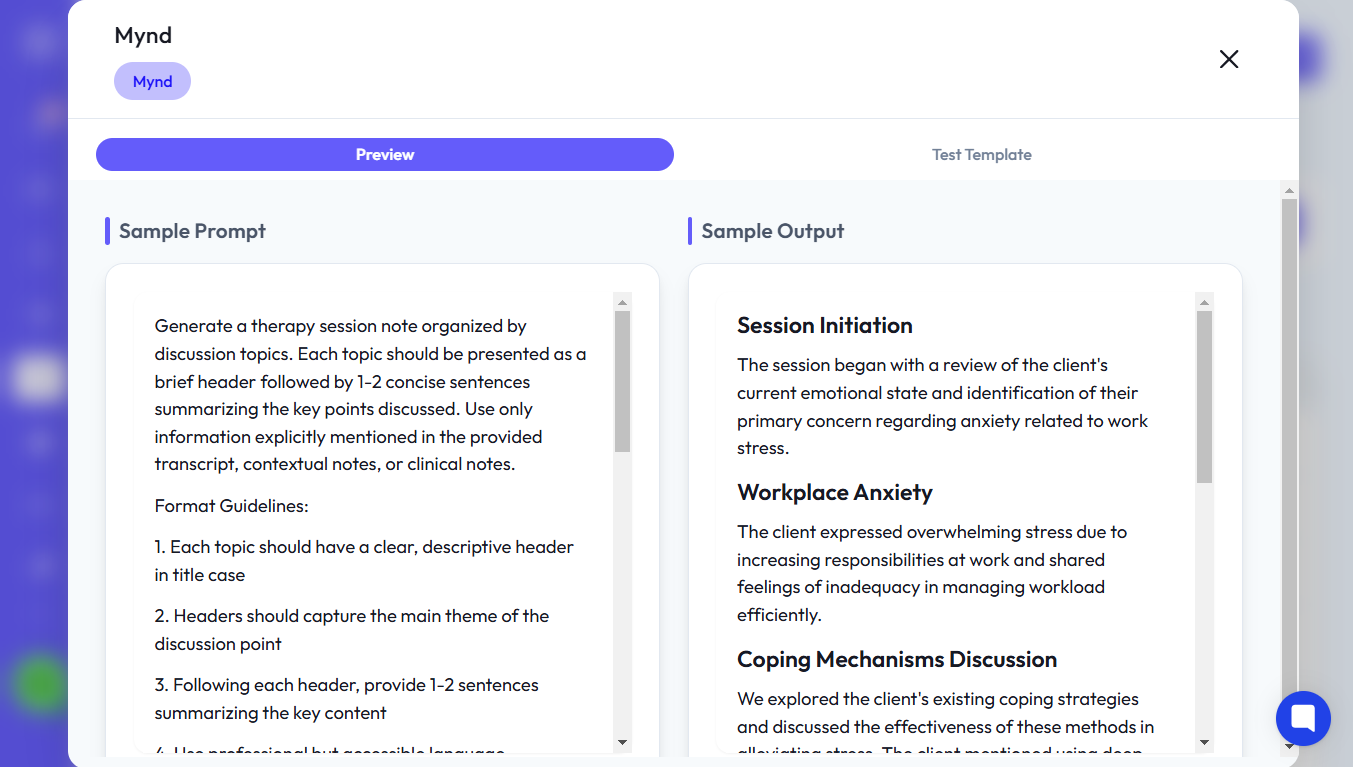
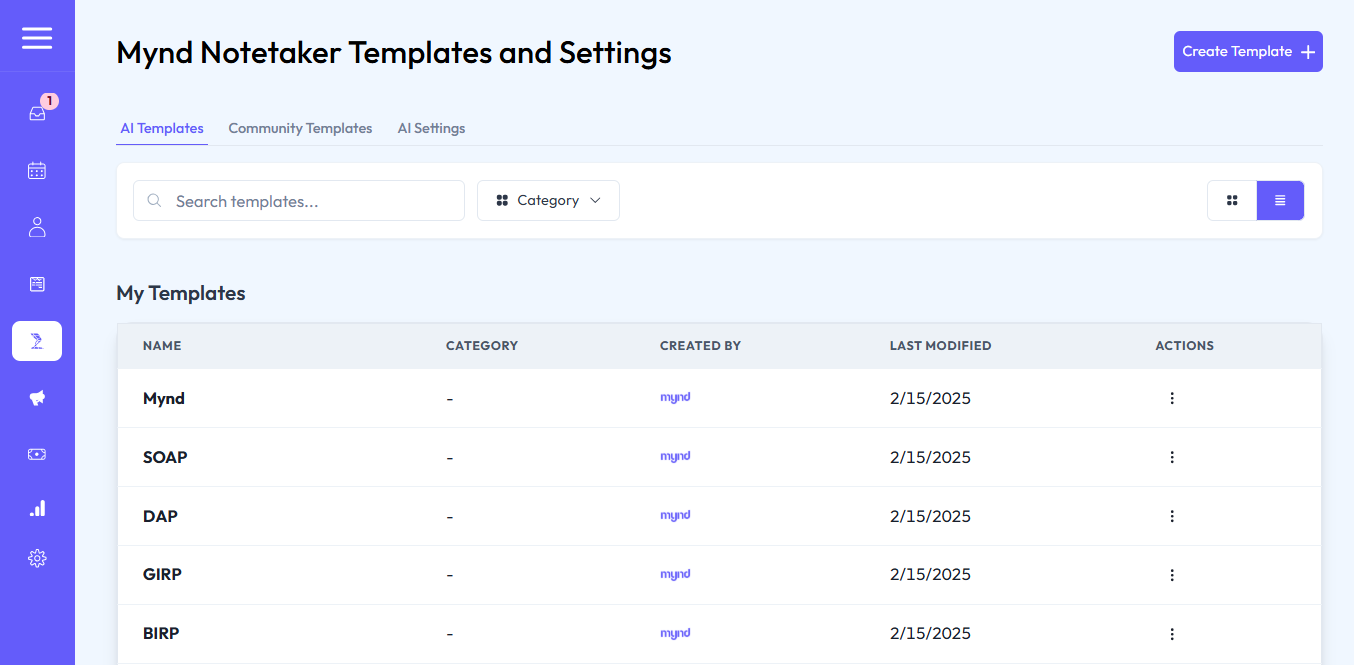
Standard Templates: Mynd provides built-in templates that allow users to quickly generate session notes. These templates are pre-configured with sections like session summaries, treatment plans, and client observations.
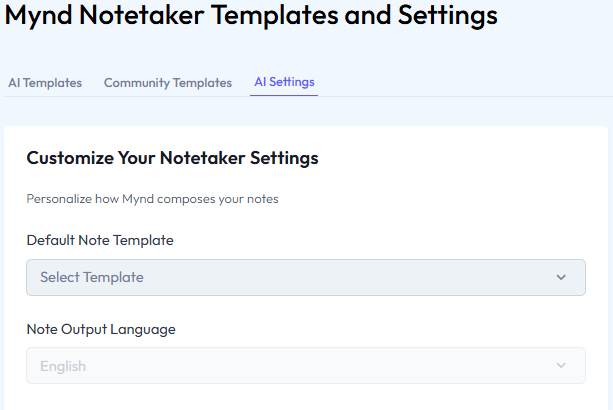
Selecting the Template: To use a built-in template, go to AI Settings and choose your preferred template (e.g., the Mynd template) as the default for all sessions.
Previewing the Generated Notes
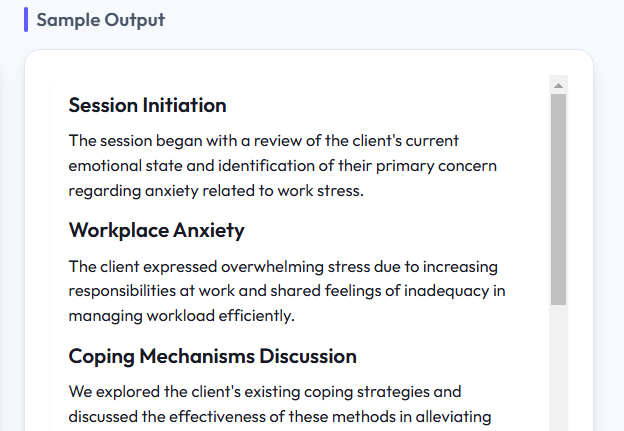
How Notes Are Generated: Once the session is recorded, the Notetaker will automatically generate a detailed note using the selected template. You can preview these notes to ensure they match your needs.
Adjusting the Template: If necessary, you can modify the template to add, remove, or reorder sections before finalizing the note.
Selecting the Default Template
AI Settings: Navigate to the AI Settings section to set a default template for session notes. This will be applied to all sessions unless manually changed.
Template Management: Select the template that best fits your practice, such as a SOAP (Subjective, Objective, Assessment, Plan) template for clinical sessions.